Hear What Others Can't
AI-enhanced audio processing gives you the competitive edge. Footstep enhancement, crystal-clear comms, and per-game profiles — all with under 2ms latency.
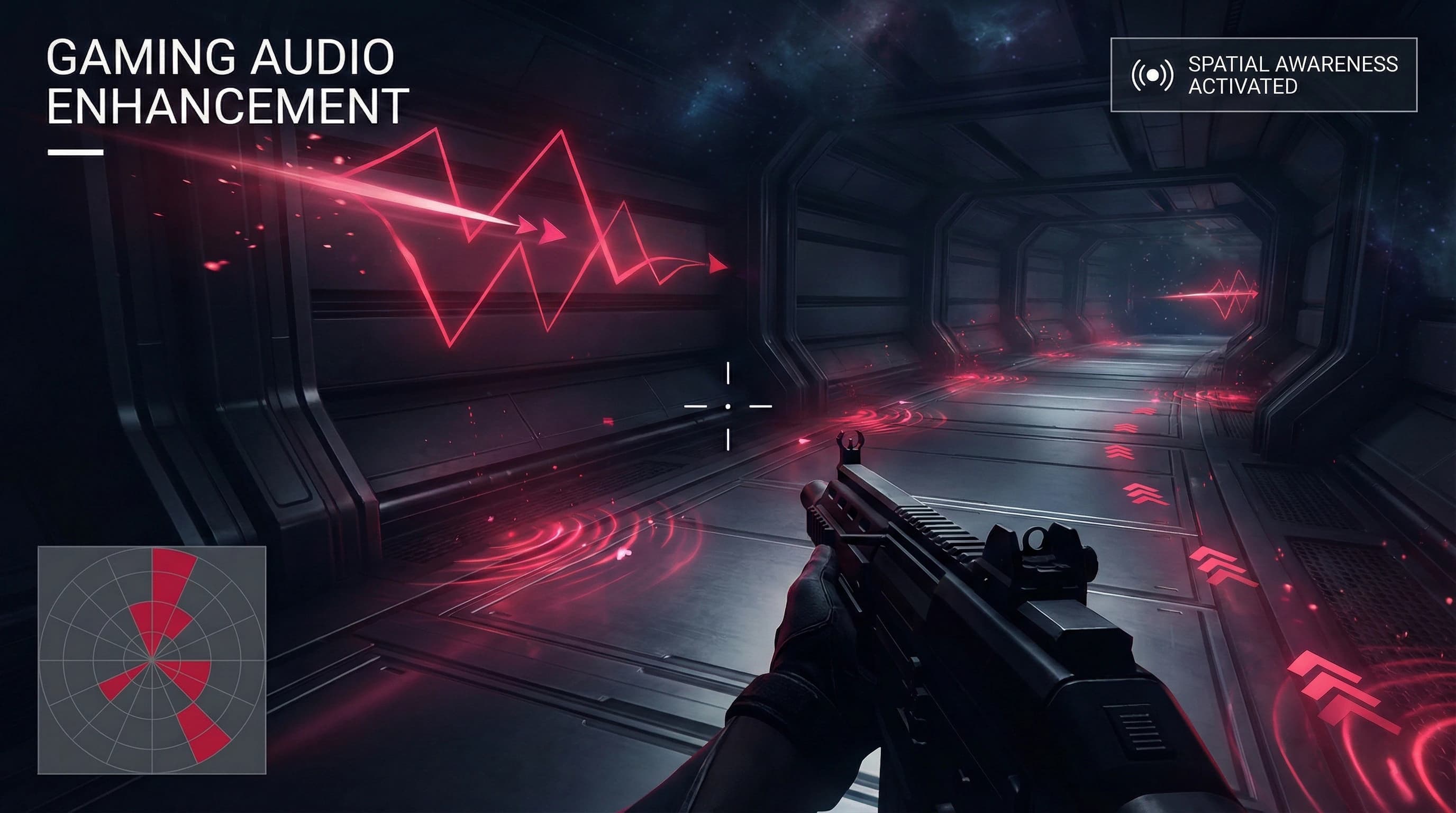
Built for Competitive Play
Every feature designed with one goal: giving you the audio advantage in ranked.
Footstep Enhancement
AI isolates and amplifies subtle in-game sounds — footsteps, reloads, ability cues — giving you the audio advantage.
Ultra-Low Latency
Under 2ms local processing. Your audio stays perfectly synced when every millisecond counts in ranked play.
Crystal Clear Comms
NVIDIA Maxine removes keyboard clacks, mechanical switches, fans, and background chaos. Your callouts are always heard.
Per-Game Profiles
Custom audio profiles for each title. FPS, MOBA, Racing — settings auto-switch when you launch the game.
Spatial Audio Precision
Enhanced 3D positioning helps you pinpoint enemy locations with surgical precision. Know exactly where they are.
Discord Integration
Perfect per-app control. Game at 80%, Discord at 60%, Spotify at 20% — no more alt-tabbing to adjust volume.
Optimized for Your Games
Pre-configured profiles for popular titles. Auto-detect and switch when you launch.
Valorant
Tactical FPS- Footstep boost +40%
- Voice clarity enhanced
- Spatial audio optimized
CS2
Competitive FPS- Directional audio enhanced
- Grenade sounds prioritized
- Comm compression
Fortnite
Battle Royale- Build sounds amplified
- Chest/loot audio boost
- Storm warning enhanced
League of Legends
MOBA- Ping audio priority
- Ability cooldown cues
- Team fight clarity
Apex Legends
Battle Royale FPS- Legend ability detection
- Revive/heal audio boost
- Ring countdown clarity
Call of Duty
FPS- UAV/killstreak audio
- Reload sound isolation
- Footstep enhancement
+ Support for 100+ games with community-created profiles
Jyv Desktop vs The Competition
See why gamers are switching from complex audio routing setups to Jyv Desktop.
Trusted by Pros & Streamers
Jyv Desktop's footstep enhancement is actually unfair. I can hear players rotating through Bind before my teammates even callout.
Finally software made by gamers, for gamers. The Discord integration alone is worth it — no more volume juggling mid-clutch.
Switched from Voicemeeter to Jyv Desktop and never looked back. Setup took 2 minutes instead of 2 hours. Audio routing just works.
Common Questions
Does Jyv Desktop cause any input lag?
No. Jyv Desktop processes audio in under 2ms locally, which is imperceptible and faster than most monitor refresh rates. Your gameplay won't be affected.
Will I get banned for using audio enhancement?
No. Jyv Desktop doesn't modify game files or inject code. It works at the system audio level, similar to your sound card drivers. It's completely safe to use.
How is this different from just turning up my volume?
Jyv Desktop uses AI to selectively enhance specific sounds (like footsteps) while keeping explosions and gunfire at safe levels. Turning up volume makes everything louder and can damage your hearing.
Does it work with my DAC/headphone amp?
Yes. Jyv Desktop works with any audio device — gaming headsets, audiophile DACs, speakers, whatever you use. It processes audio before it reaches your output device.
What about console gaming?
Jyv Desktop is currently for PC (Windows, macOS, ChromeOS). For console, you'd need to route audio through a PC, which adds latency we don't recommend for competitive play.
Ready to Hear the Difference?
Join thousands of gamers who've already upgraded their audio. Plans start at just $9.99/month.
2 minute setup • Works with any headset